How to View Upcoming Service Appointments
When service appointments are added in the ERA-IGNITE System or the POWER System, they can be viewed in the XtreamService application on the Service Traffic screen.
The following procedure can be used to view upcoming service appointments.
-
Access the Service Traffic screen.

To access the Service Traffic screen, click the
 (Service Traffic) icon.
The Upcoming Appointments panel displays at the top of the Service Traffic screen in the collapsed view.
-
Click the Upcoming Appointments panel.
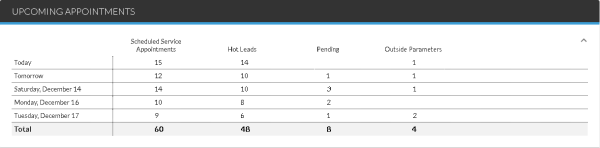
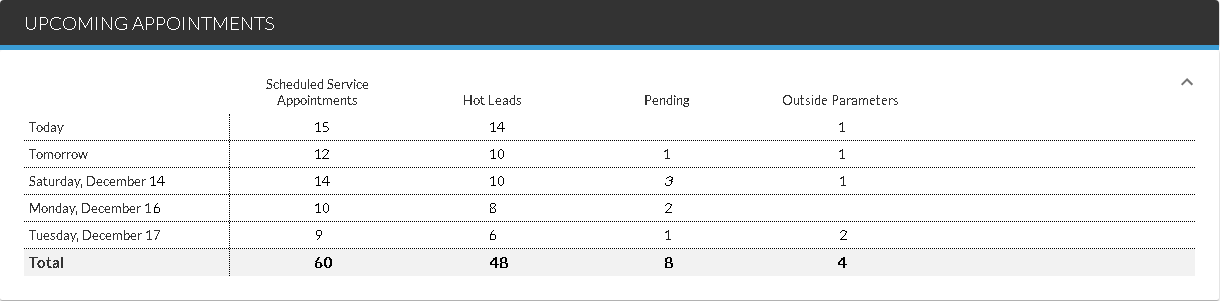
The Upcoming Appointments panel expands, and additional service traffic data becomes available.
-
Click a link in the Hot Leads column, the Pending column, or the Outside Parameters column to view additional information about the leads.
Additional information about service leads displays in the Results panel.
Click here for a list of products that may be mentioned in this help file.